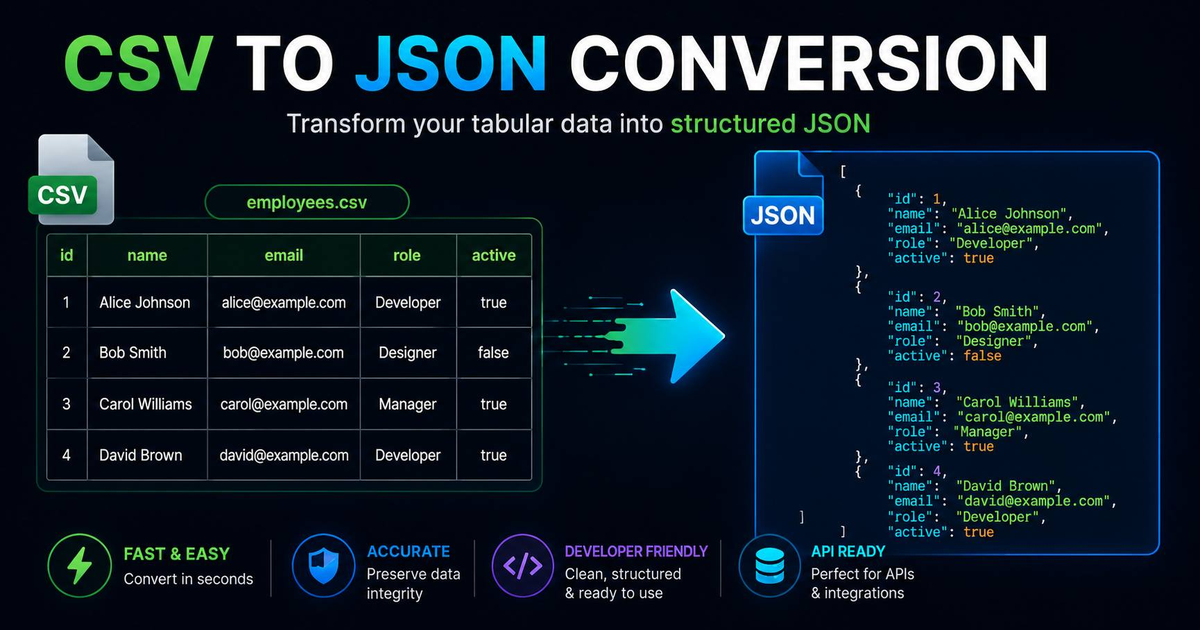

Privacy is the most overlooked feature in developer tools. Most 'free' online converters upload your data to a remote server for processing, creating a massive security risk if you are handling customer lists or financial data. This guide shows you how to convert CSV to JSON safely using a local, browser-side tool where your data never leaves your machine.
How do you convert CSV to JSON without uploading your data?
The safest way to convert CSV to JSON is by using a client-side JavaScript tool like our Online CSV to JSON Converter. Because the conversion happens in your browser's memory, your data stays local. This eliminates the risk of sensitive information being logged by a third-party server or intercepted during transit.
Handling nested JSON from a flat CSV
Flat CSVs often struggle with the hierarchical nature of JSON. Our tool supports dot-notation to create nested objects. For example, a CSV column named user.address.city will automatically be converted into a nested JSON structure:
{
  "user": {
    "address": {
      "city": "New York"
    }
  }
}
Frequently Asked Questions
Is there a file size limit for browser-based conversion?
Most modern browsers can handle CSV files up to 100MB-200MB in memory without crashing. For extremely large datasets (GBs), we recommend using a CLI tool like jq or a Python script.
What delimiters are supported?
Our converter auto-detects commas, semicolons, and tabs. You can also manually override the delimiter if you are working with non-standard formats.