How do I generate a free QR code without a watermark?
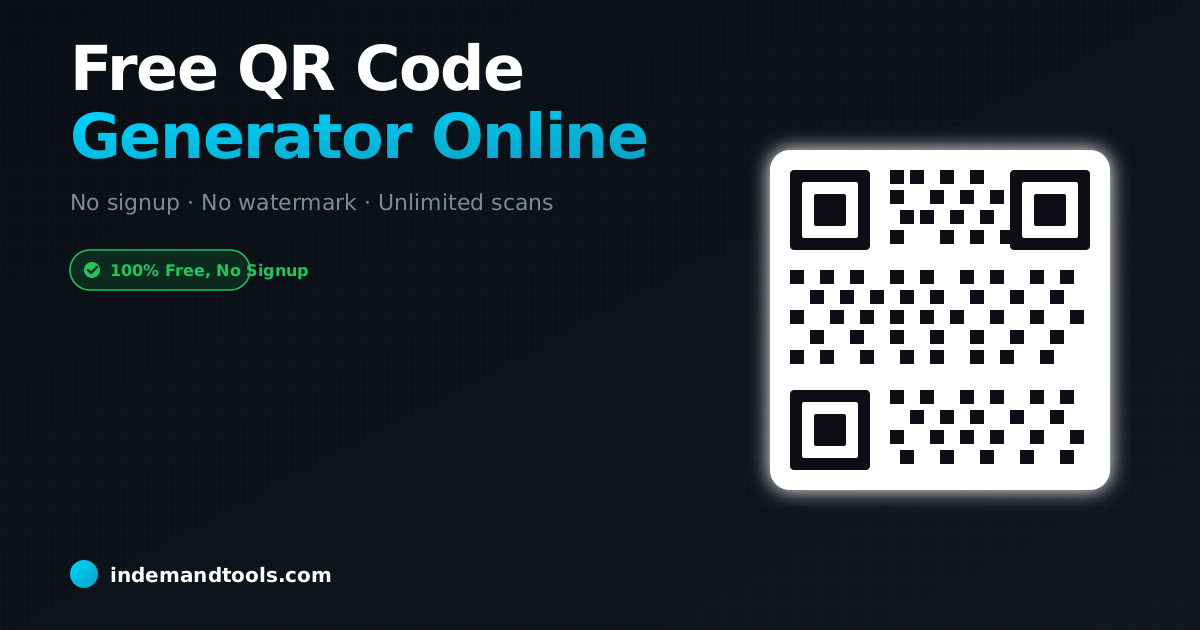
Use a privacy-focused tool like the InDemand Tools QR Code Generator. Enter your URL or text, customize the colors or size if needed, and download the high-resolution image immediately. There are no sign-ups required, the codes never expire, and we never add watermarks or branding to your image.
The QR Code Scam: Why "Dynamic" Isn’t Always Better
Many sites offer "Dynamic QR Codes" for free, then lock the URL redirect after a week. I’ve seen businesses print thousands of flyers only to find the QR code stops working unless they pay a monthly subscription. Always use Static QR Codes for permanent links unless you absolutely need tracking. Our tool generates static codes that belong to you forever.
Customizing for Scanability
Don’t get too fancy with colors. I’ve tested codes with light-blue dots that look great but won’t scan on older phones. Stick to high contrast (dark on light) to ensure every user can reach your link.
Frequently Asked Questions
Do QR codes expire?
Static QR codes (the kind we generate) never expire. They are simply an encoding of your URL. As long as your website is live, the code will work.