How to Compress Images Without Losing Quality (Free, Browser-Based)
How to compress an image without losing quality: the right format and quality setting, plus metadata stripping, for JPG, PNG and WebP with free browser tools.
Practical guides, no fluff. Tutorials and tips written by the same people who built the tools.
How to compress an image without losing quality: the right format and quality setting, plus metadata stripping, for JPG, PNG and WebP with free browser tools.
A reading time calculator divides words by reading speed and rounds up. Research-based reading speeds, a worked table, speaking times and a JavaScript snippet.
How many words is 1000 characters? About 150 to 200 with spaces and 180 to 240 without, with worked examples by writing style and common limits in words.
Convert CSV to JSON in your browser without uploading the file. See each setting, a real input and output example, and how the converter types your values.
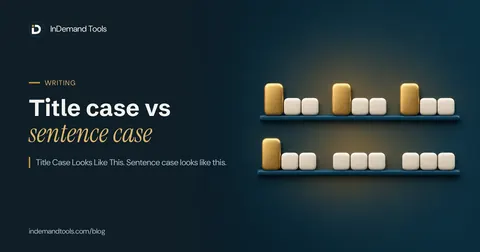
Title case vs sentence case: the rules for each, which style Google and Microsoft use for headings, whether case affects SEO, and converter pitfalls.
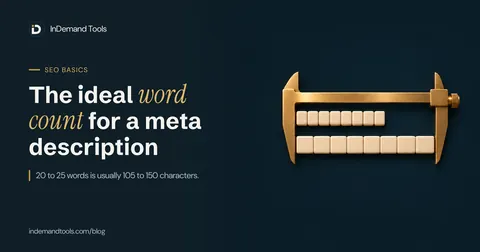
Meta description word count: how many words fit in 150 characters, why 22 words can be 114 or 202 characters, and how to turn a word target into characters.
Free AI writing tools you can use without an account or an email address: what the InDemand Tools AI writer, TinyWow and Hemingway Editor each do.
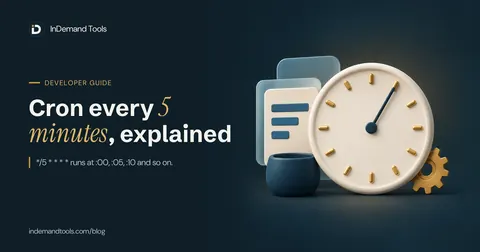
The cron expression for every 5 minutes is */5 * * * *. See how the step operator works, why it follows the clock, and copy 8 common cron schedules.
Generate meta descriptions with AI: what our free generator sends, its input limits, a ChatGPT prompt, a worked edit, and how to check the result in a preview.
Is AI content bad for SEO? What Google's own guidance says, where scaled content abuse starts and when to disclose AI use, quoted with dates and sources.
Use AI to write blog posts people want to read: outline, draft one section at a time, add your own experience, then fact-check and edit. Free tools included.
Base64 encode an image in your browser and copy the Base64 string, data URI, CSS line or HTML img tag. No upload. Best for small icons and logos under a few KB.

Buy me a coffee
No ads, no paid plans. Coffees keep it free.
Payment is handled by Buy Me a Coffee. We never see your card details. Open in a new tab